
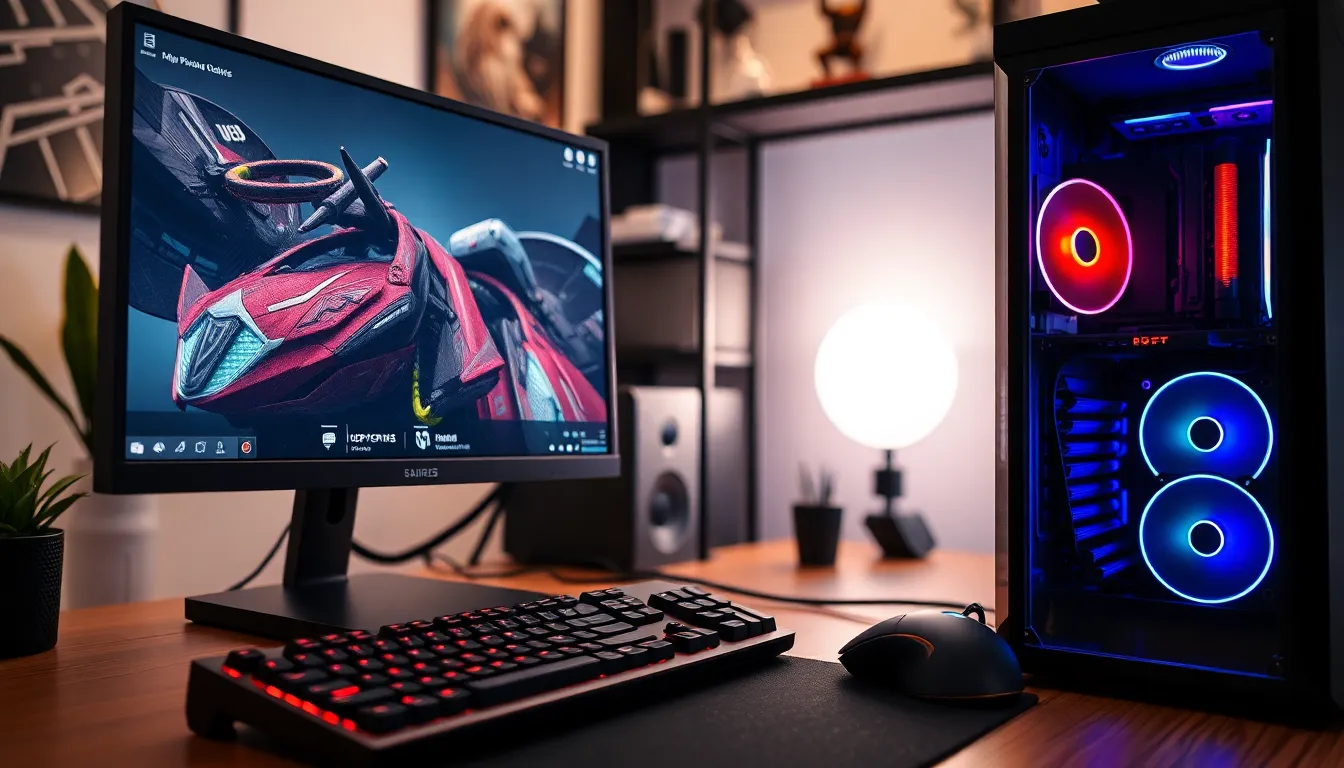
In the world of computing, hardware resources are the unsung heroes, quietly powering everything from the latest gaming console to the office coffee machine. Without them, even the most sophisticated software would be as useful as a chocolate teapot. These resources—like CPUs, RAM, and storage—are the backbone of every digital experience, ensuring everything runs smoothly and efficiently.
Overview of Hardware Resources
Hardware resources comprise the physical components of a computer system essential for its operation. These resources include CPUs, RAM, storage devices, and peripherals, each playing a vital role in overall system performance.
CPUs, or central processing units, act as the brain of the computer, executing instructions from software. They determine how quickly and efficiently tasks are completed. RAM, or random access memory, temporarily stores data for quick access, enabling smoother multitasking and faster data retrieval.
Storage devices such as hard drives and solid-state drives hold software, files, and applications permanently. Performance varies based on the type of storage; SSDs generally offer faster access times than traditional HDDs. Peripherals like keyboards, mice, and monitors enhance user interaction, making tasks more manageable and enjoyable.
Networking hardware, including routers and switches, connects devices and facilitates communication between them. Without these components, transferring data over networks becomes challenging. Graphic processing units, or GPUs, enhance visual performance, particularly in gaming or graphic design applications.
Power supplies ensure all hardware resources receive adequate energy, maintaining stability during operation. Cooling systems prevent overheating, which can damage components and degrade performance. Upgrading any of these hardware resources can significantly enhance system capabilities.
Understanding these hardware resources allows users to make informed decisions about system configurations and upgrades. Each component works collaboratively to deliver seamless and efficient digital experiences, underscoring their importance in various computing environments.
Types of Hardware Resources
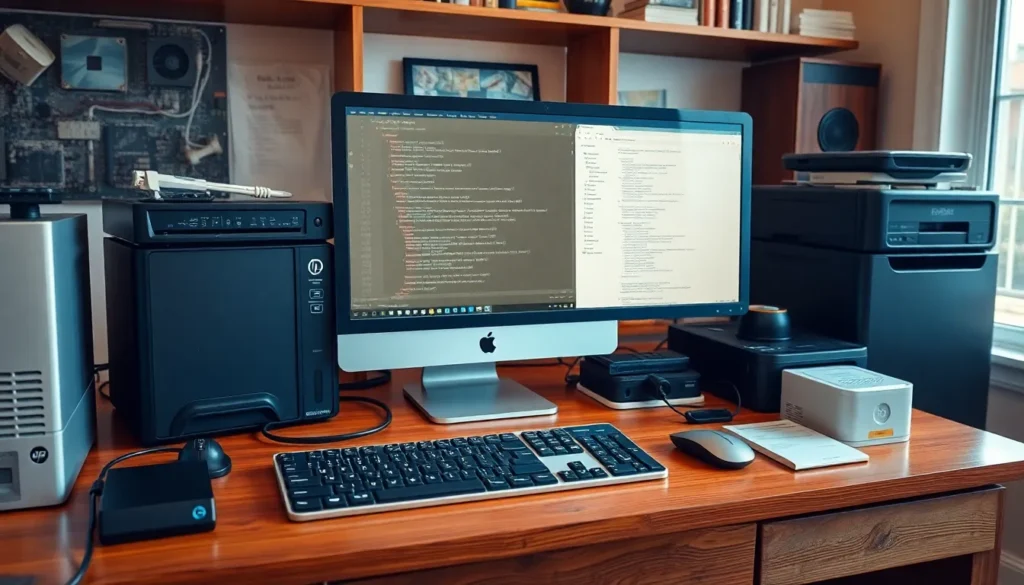
Various types of hardware resources play significant roles in computer operation. They can be categorized into input devices, output devices, and storage devices.
Input Devices
Input devices allow users to interact with a computer. Key examples include keyboards and mice, which facilitate data entry and navigation. Scanners capture physical documents, making them accessible in digital form. Digital cameras enable the import of images for editing and sharing. Touchscreens allow direct interaction through taps and gestures. Game controllers enhance the user experience in gaming applications. Each of these devices plays a crucial role, contributing to a seamless interaction between users and computers.
Output Devices
Output devices present processed data to users in understandable formats. Monitors display visual output from computers, providing users with real-time information. Printers produce hard copies of documents and images for physical distribution. Speakers deliver audio from multimedia files and applications, enhancing the overall experience. Projectors enable larger displays for presentations and group activities. Overall, these devices ensure that users receive information in a clear and engaging manner.
Storage Devices
Storage devices serve to retain data permanently or temporarily. Hard disk drives are traditional storage solutions, offering substantial capacity for various files. Solid-state drives provide faster data access, improving overall system performance. External drives offer additional space for backups and file transfers. USB flash drives provide portability, allowing users to carry essential files easily. Cloud storage solutions enable users to access data remotely, enhancing flexibility and collaboration. Each storage solution plays a vital role in managing and preserving important information.
Importance of Hardware Resources
Hardware resources serve as the foundation of computing systems, making their importance undeniable across various applications. They influence performance, efficiency, and user experience.
Performance Impact
Performance hinges on the quality and capability of hardware resources. CPU speed directly affects how quickly tasks are executed. A higher RAM capacity enhances multitasking, allowing users to run several applications simultaneously without lag. Storage types also play a critical role; solid-state drives (SSDs) provide faster data retrieval compared to traditional hard disk drives (HDDs). Resource efficiency directly impacts system responsiveness; when hardware operates optimally, users experience smoother gaming, quicker file access, and faster application loading times. Upgrading hardware not only improves speed but also extends the lifespan of a computing system.
Resource Management
Effective resource management enhances the overall functionality of computer systems. It involves balancing the allocation of hardware resources to prevent bottlenecks. Users must monitor CPU usage, memory consumption, and storage space regularly to ensure system efficiency. Implementing proper management techniques ensures that resources operate within optimal parameters, minimizing downtime and enhancing productivity. For instance, using task managers or performance monitoring software can reveal which applications consume excessive resources. Regular maintenance, such as cleaning storage and optimizing settings, contributes to longer hardware lifespans and improved performance consistency.
Current Trends in Hardware Resources
Current trends in hardware resources focus on enhancing flexibility and performance. Innovations in virtualization create efficiencies by enabling multiple operating systems to run on a single physical server. Virtualization improves resource utilization, allowing businesses to reduce costs and manage workloads more effectively.
Virtualization
Virtualization technology optimizes hardware resources through abstraction. This approach enables multiple virtual machines to run on a single hardware platform, enhancing server efficiency. Organizations benefit from reduced energy consumption and simplified management, which translates into lower operational costs. Enhanced disaster recovery options, including snapshots and backups of virtual machines, further improve business continuity. Additionally, enterprises can easily scale resources according to demand, ensuring that performance remains consistent and responsive.
Cloud Computing
Cloud computing revolutionizes access to hardware resources, facilitating off-site storage and processing capabilities. Users can access powerful servers and extensive storage options without investing in physical hardware. Major providers like Amazon Web Services and Microsoft Azure offer scalable solutions that cater to diverse needs, from startups to large enterprises. Cost-effective pricing models enable businesses to pay only for what they use, reducing wasted resources. Security measures also increase, offering robust protections for sensitive data. Ultimately, cloud computing enhances collaboration and accessibility, allowing teams to work efficiently from anywhere.
Hardware resources are essential for the functionality and performance of computing systems. They directly influence how efficiently software operates and how users interact with technology. By understanding the various components—from CPUs and RAM to storage devices and peripherals—users can make informed choices that enhance their digital experiences.
As technology evolves, staying updated on trends like virtualization and cloud computing is crucial. These innovations not only optimize resource management but also provide flexible solutions for businesses and individuals alike. Recognizing the significance of hardware resources empowers users to maximize their systems’ potential and ensures a smoother, more effective computing experience.